Feedback

info icommuse.com

Products

Tools built for real clinical research work

Each product page supplies the details: INFOBRIDGE for secure data bridging, CTCAE 6 Pro and CTCAE 5 Pro for professional CTCAE workflows, and CTCAE 5.0 for instant browser-based access.

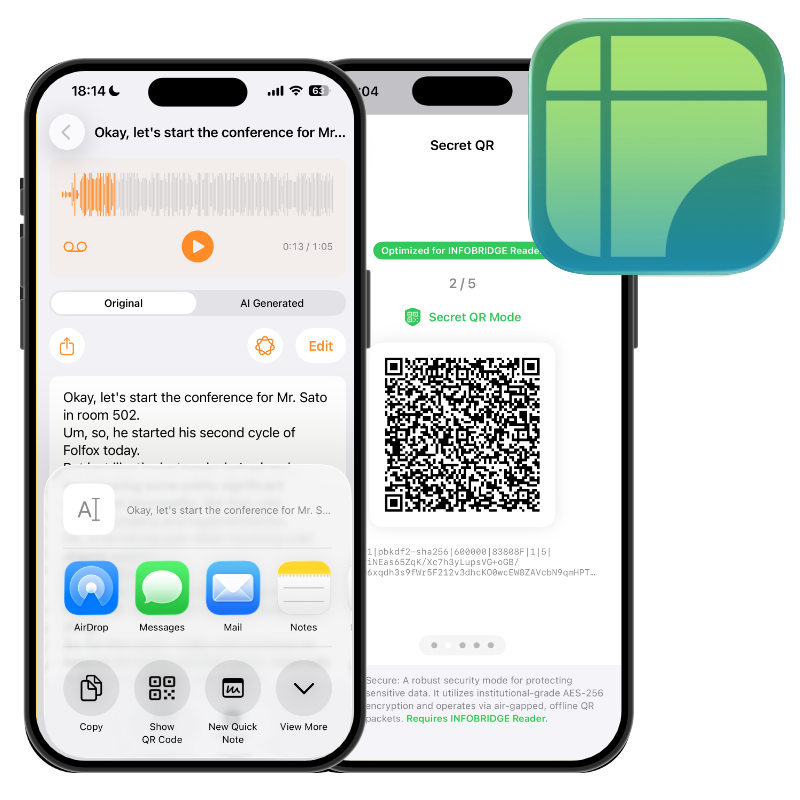
INFOBRIDGE app preview
Secure Air-Gap Bridge

INFOBRIDGE

A professional utility for network-restricted environments. Extract text from documents or voice sources, process it locally, and bridge it through offline QR code technology.

Offline QR Local processing Reader app
View features
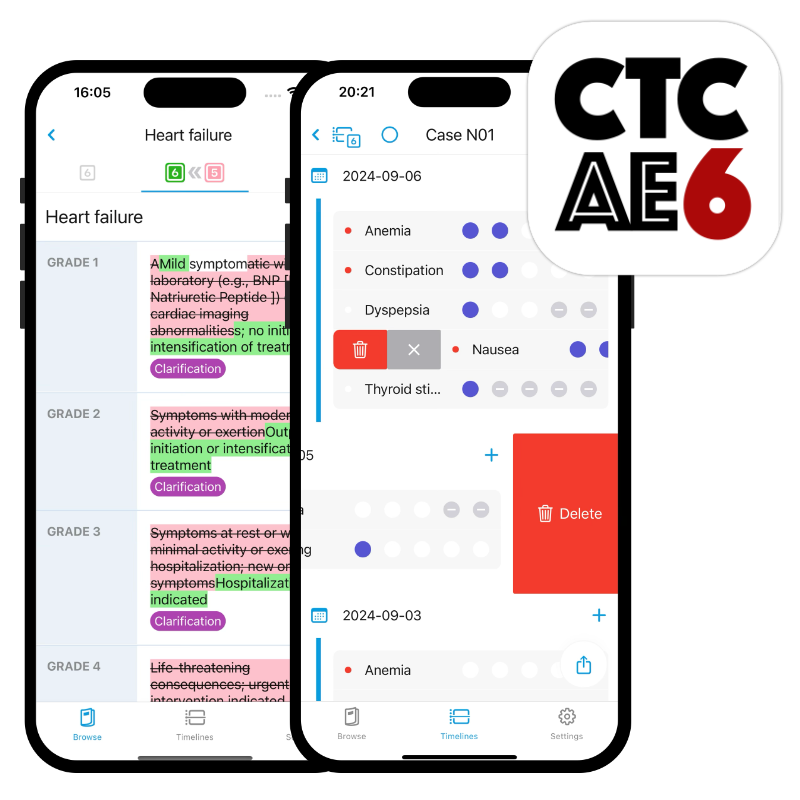
CTCAE 6 Pro app preview
CTCAE v6.0 workflow

CTCAE 6 Pro

Streamlined access to CTCAE v6.0 with premium tools for comparing v6.0 and v5.0, recording notes, and building custom list apps from spreadsheet data.

v6.0 and v5.0 Diff comparison Notes
View features
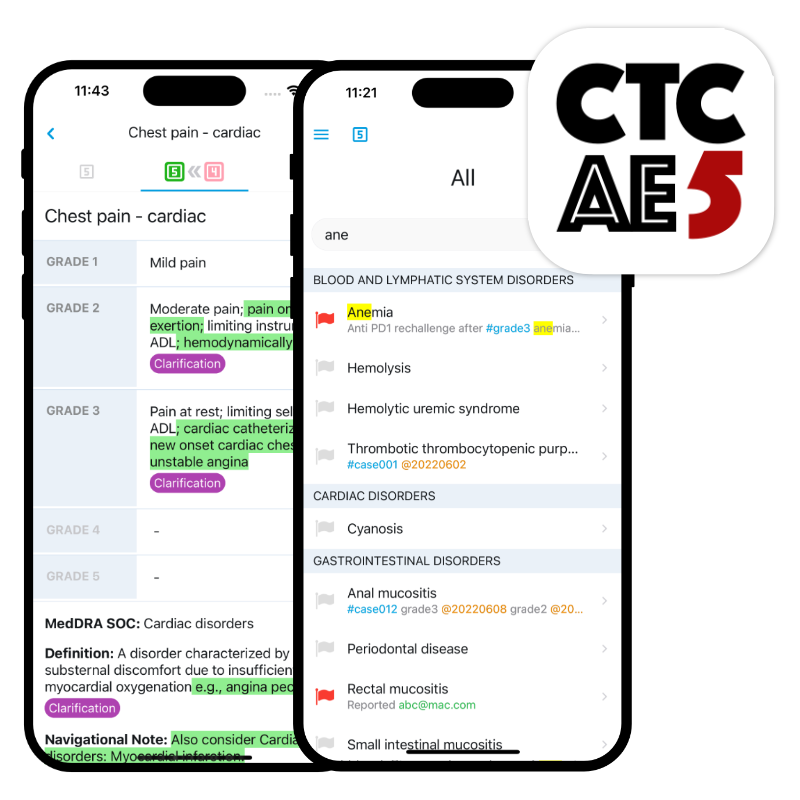
CTCAE 5 Pro app preview
CTCAE v5.0 workflow

CTCAE 5 Pro

Search, highlight, filter, compare mapping information, and turn a spreadsheet into a custom app for chairside and bedside CTCAE management.

Search Mapping Import and export
View features
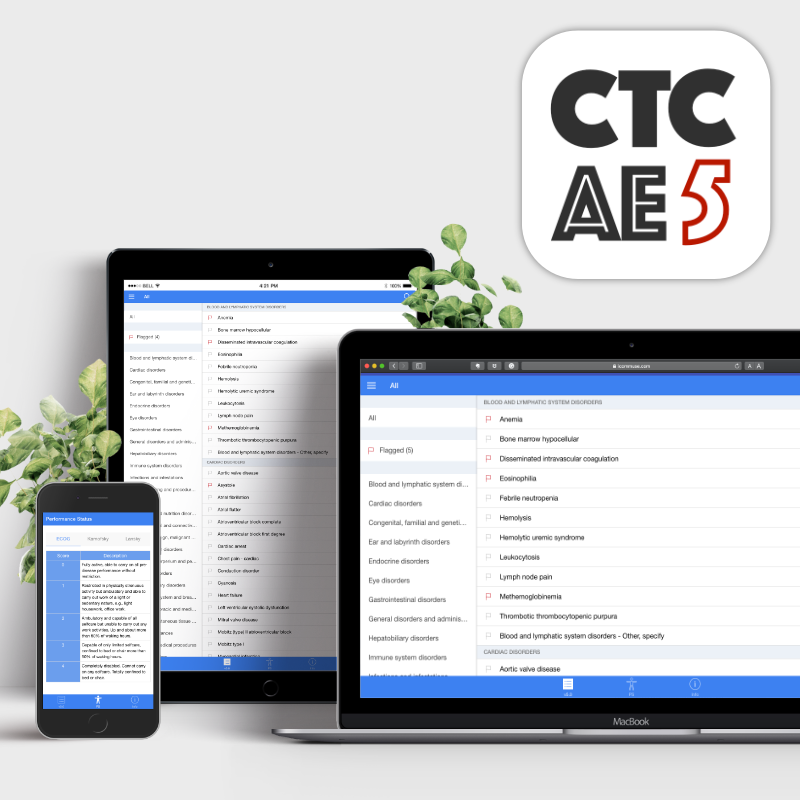
CTCAE 5.0 web app preview
Progressive Web App

CTCAE 5.0

An instant way to access Common Terminology Criteria for Adverse Events v5.0 in a browser-like app experience across iOS, Android, and Windows.

PWA v5.0 access Cross-platform
View features
Workflow

From restricted data movement to CTCAE review

The suite is designed around the small but critical moments in clinical work: moving text safely, finding adverse event terminology quickly, and keeping review notes usable.

Bridge data without a network

INFOBRIDGE uses offline QR code workflows so teams can move text into restricted PCs without removable media or cloud dependence.

Find and compare CTCAE terms

CTCAE Pro apps emphasize fast search, highlighted results, version comparison, and mapping information where review speed matters.

Turn local files into usable tools

Premium workflows support spreadsheet-based custom list apps, notes, tags, export, and sharing across common research tasks.

Downloads

Start from the product that matches your environment

Use the dedicated product pages for App Store links, reader downloads, screenshots, and terms.