Simple & Secure Data Bridge
Effortless, Efficient, and Ensured
Welcome
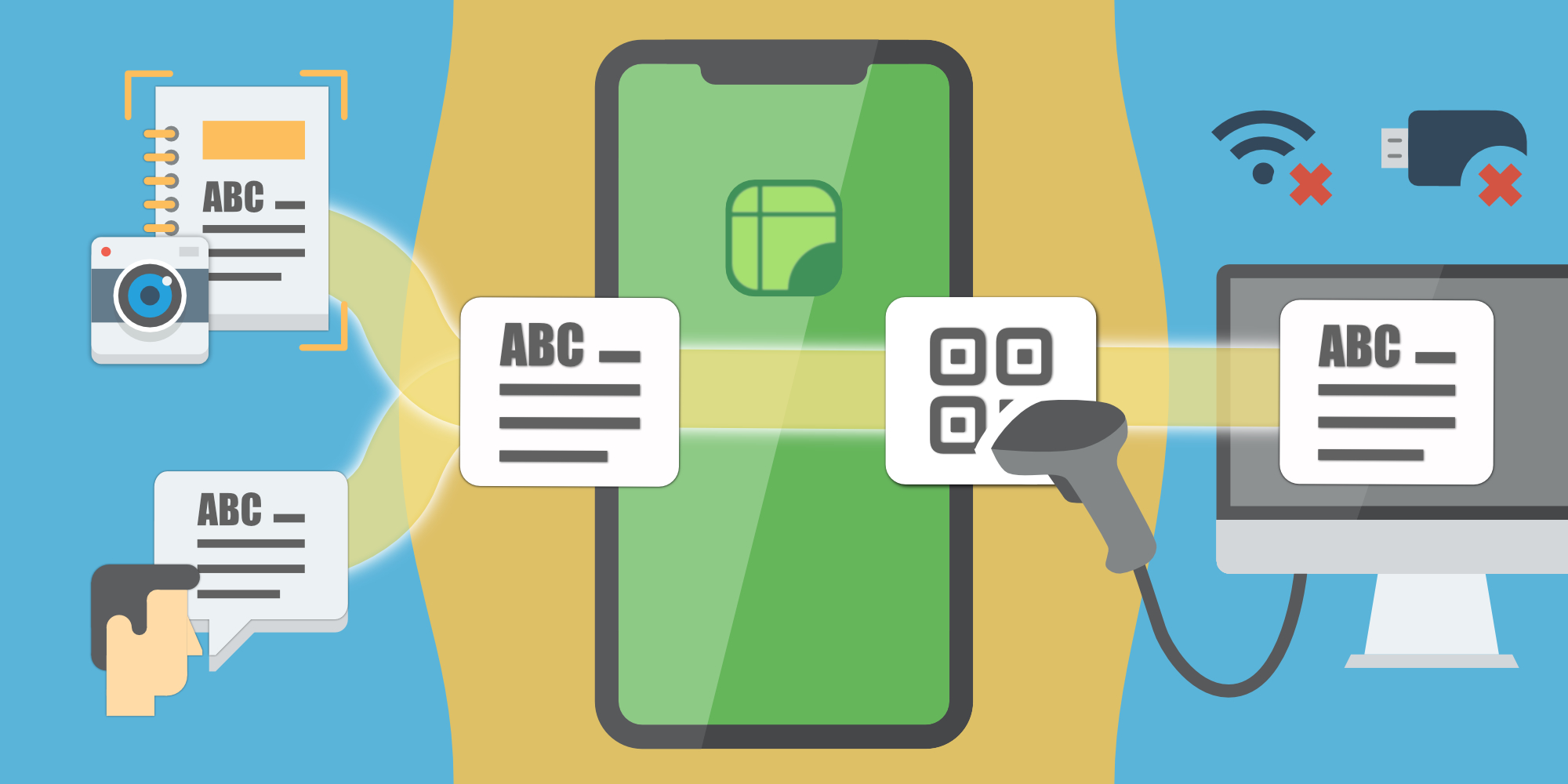
Simple & Secure Data Bridge
Extract text from documents and voice sources into secure QR codes for an instant bridge to restricted PCs.
No network, no removal devices.
Features
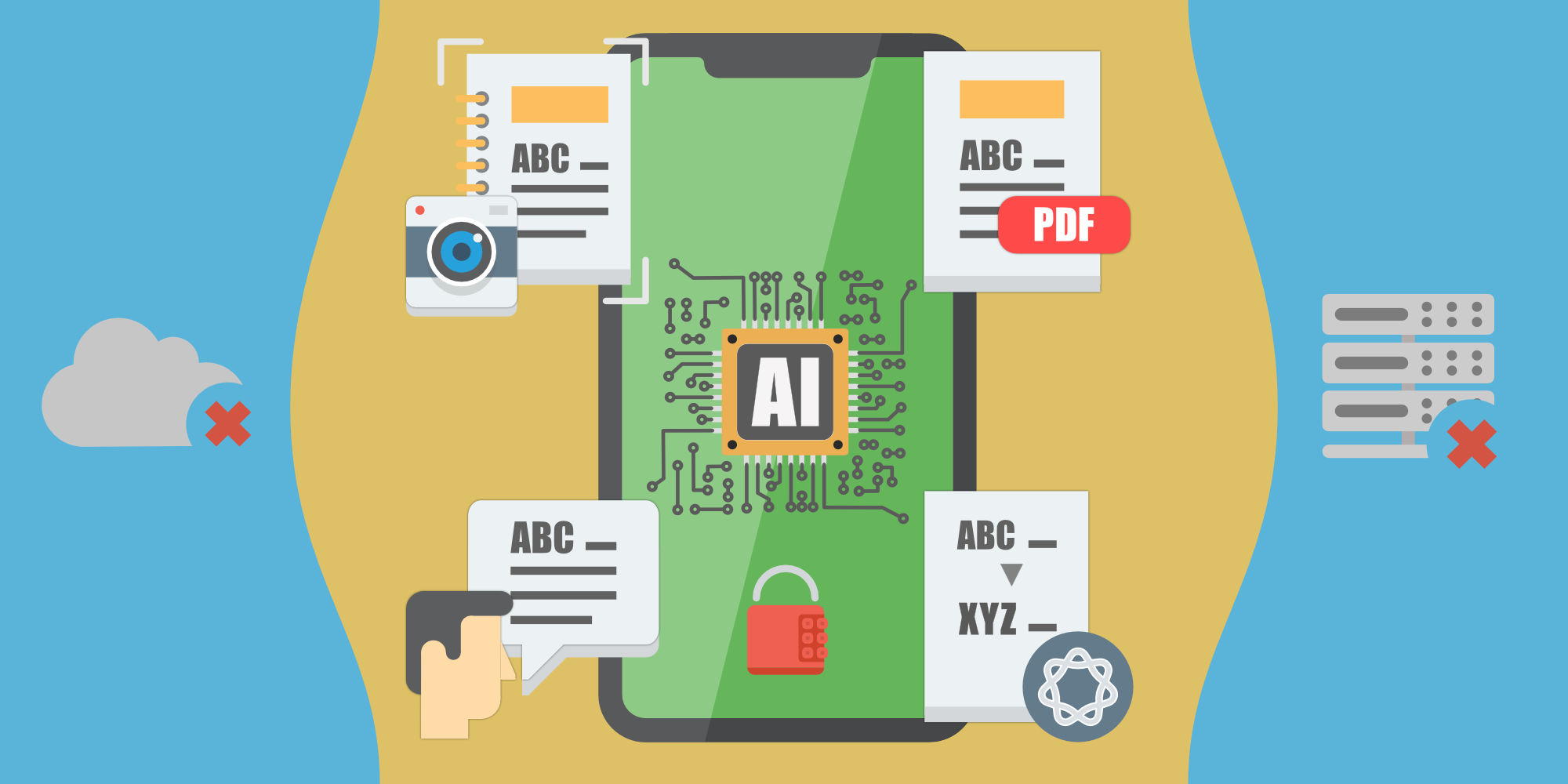
Offline & Local AI Bridge
Capture
Digitize notes locally with zero cloud or server dependency.
Analyze
Local AI processes your data on the device.
Protect
Every piece of data on your device is encrypted and protected."
Choose Your Language
To help us get it right, which languages do you plan to bridge most frequently?
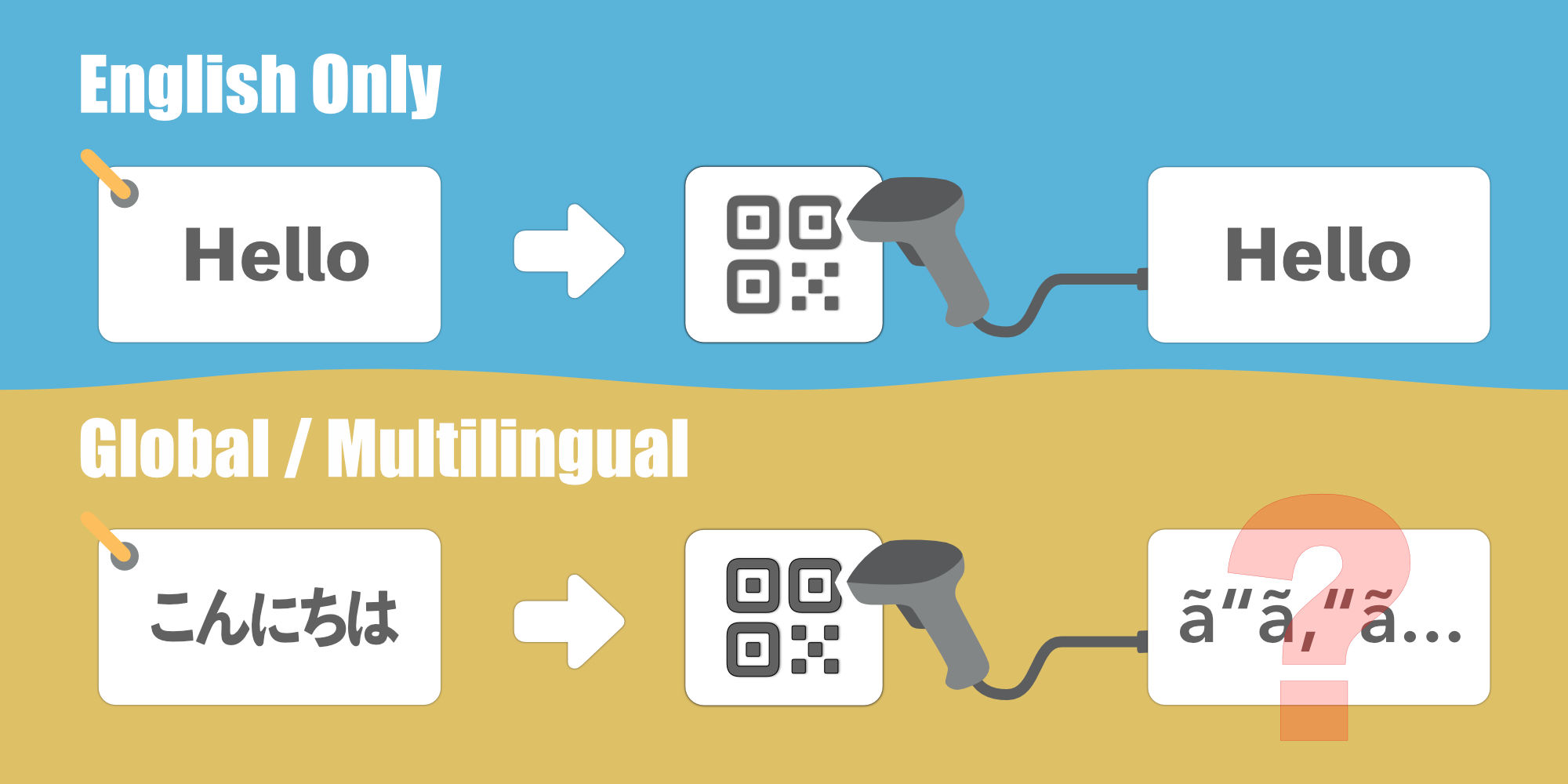
The Alien Signal?
First, it's important to realize that while a QR code can hold any language, most scanners are 'English-only' by default. As a result, other languages often end up as unreadable gibberish.
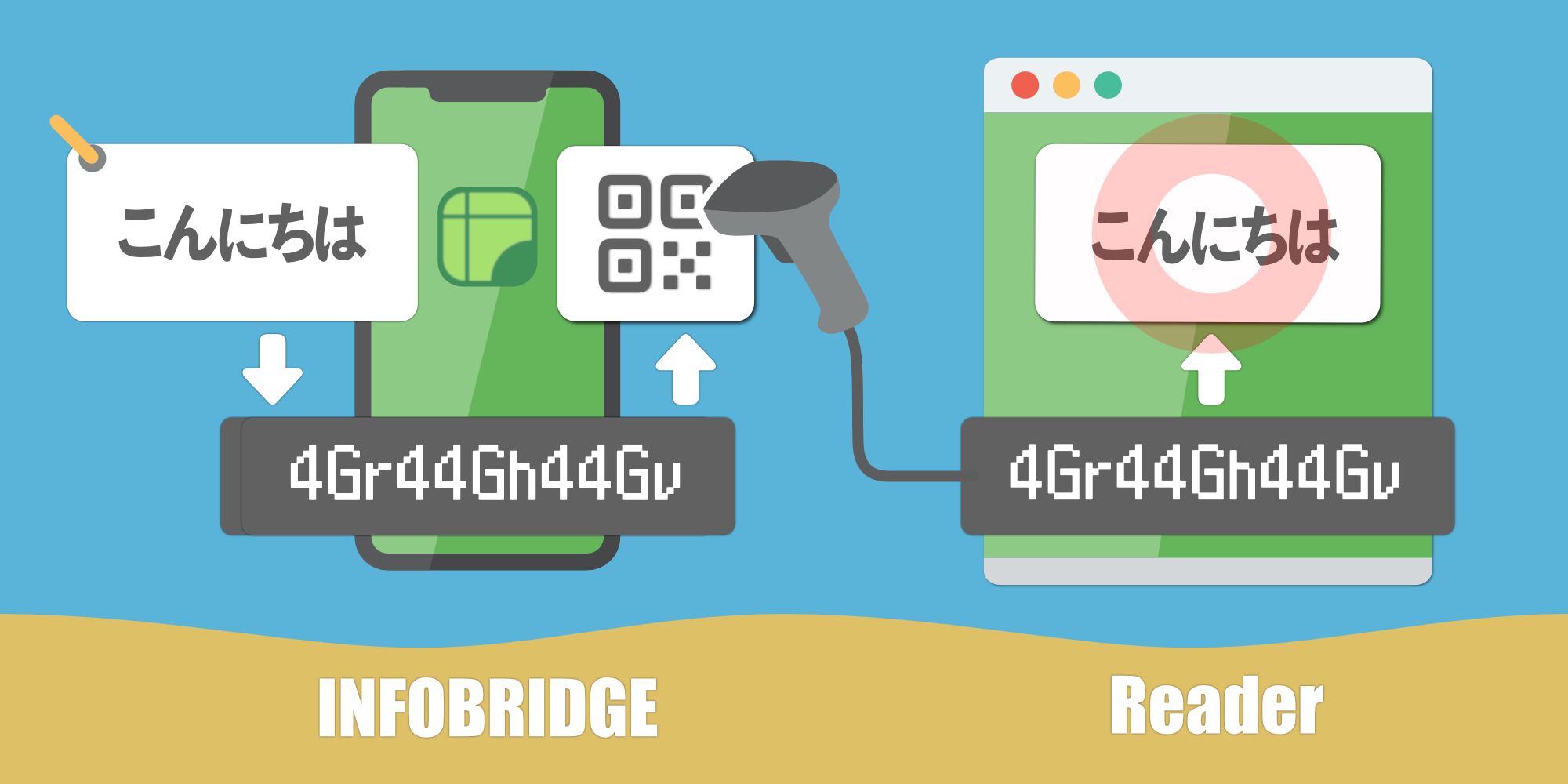
Zap the Alien Signals
Rest assured! INFOBRIDGE automatically optimizes your data into a robust ‘alphanumeric format’ to eliminate scanning errors. The INFOBRIDGE Reader is the key to high-fidelity restoration, ensuring your information is delivered exactly as intended.
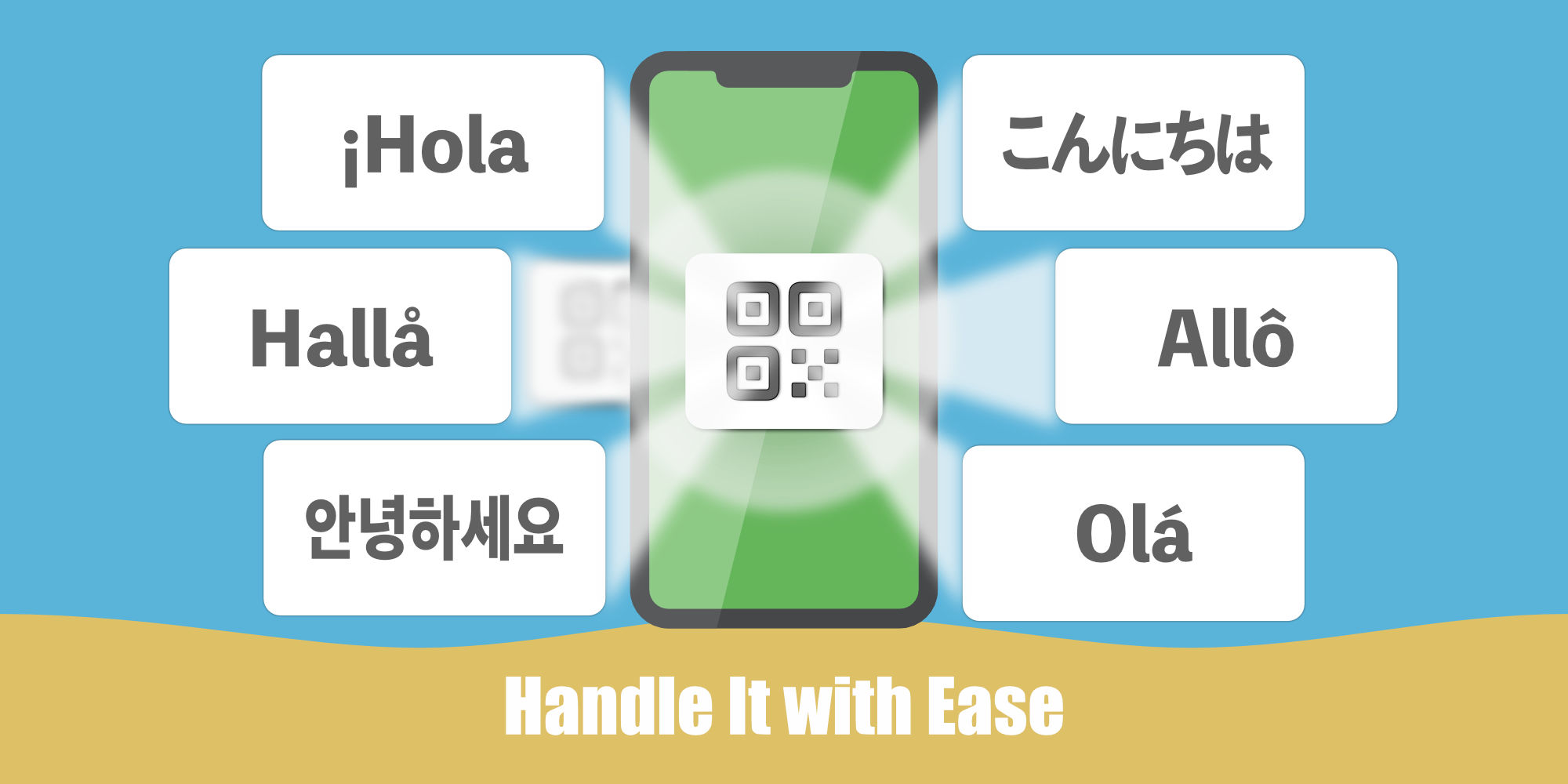
Smartphone Compatibility
Unlike conventional QR scanners that may have language restrictions, modern smartphones commonly support UTF-8 QR codes and can directly read multilingual text. You have the flexibility to select the best tool for your needs, whether it’s a dedicated scanner or a mobile device.
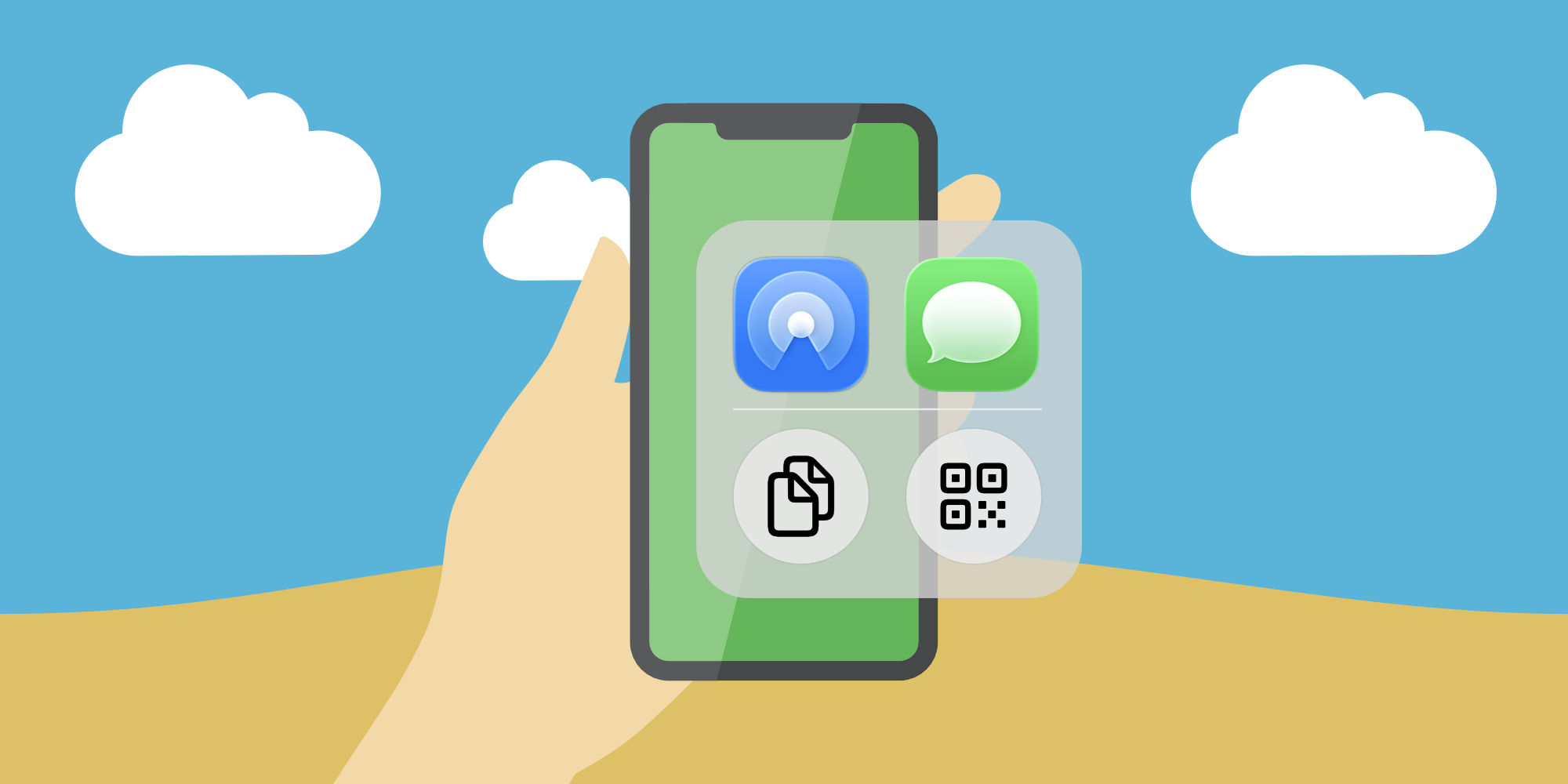
Versatile Multimedia Features
It’s more than just a secure link—your captured audio and Searchable PDFs can be shared via AirDrop or Messages, making INFOBRIDGE a versatile productivity tool in open environments.
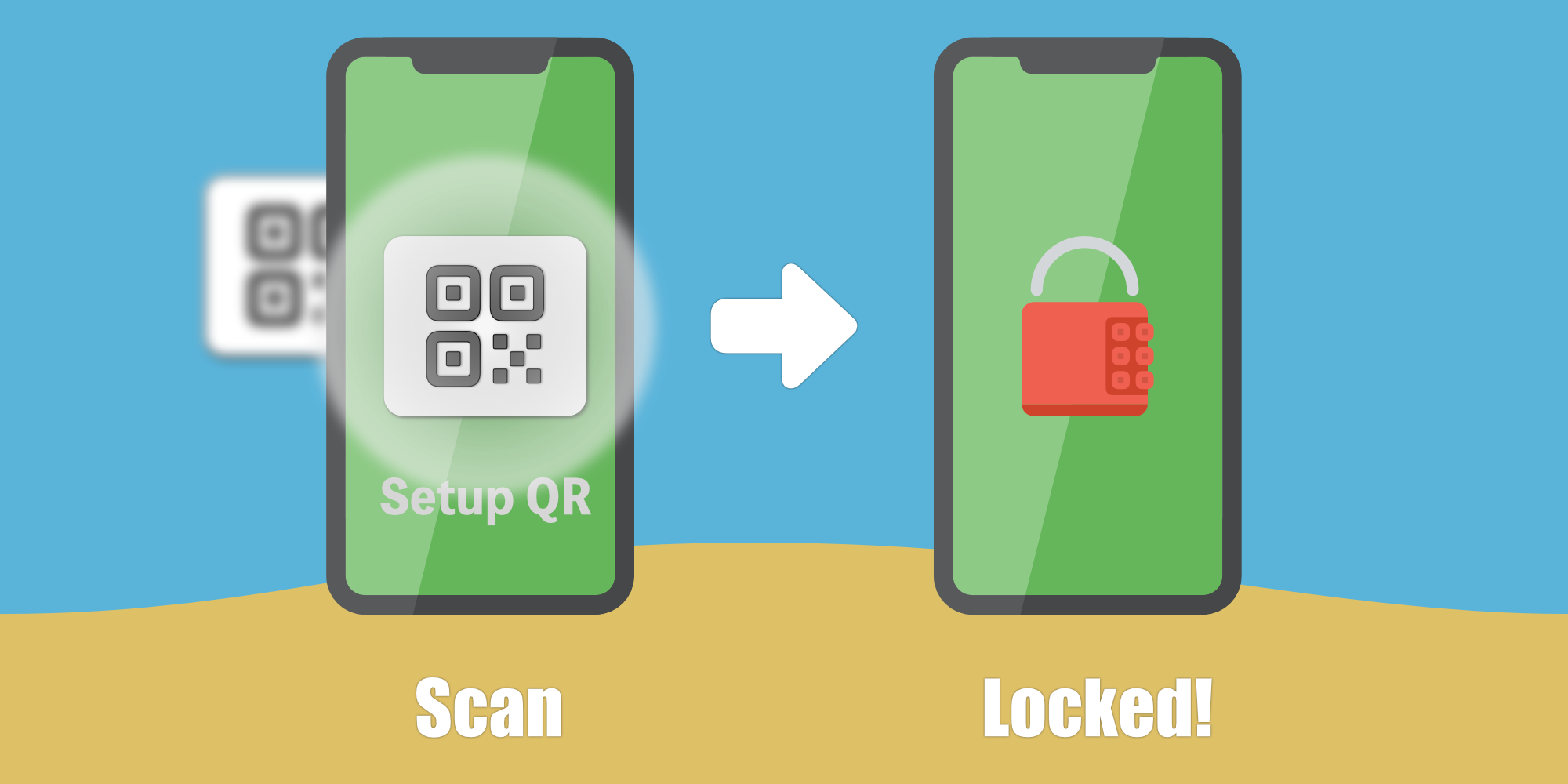
Thoughtfully Designed for Admins
In high-security zones, administrators can enforce the 'QR-restricted output' policy via Setup QRs. This limits file sharing before device distribution and helps reduce leakage risk.
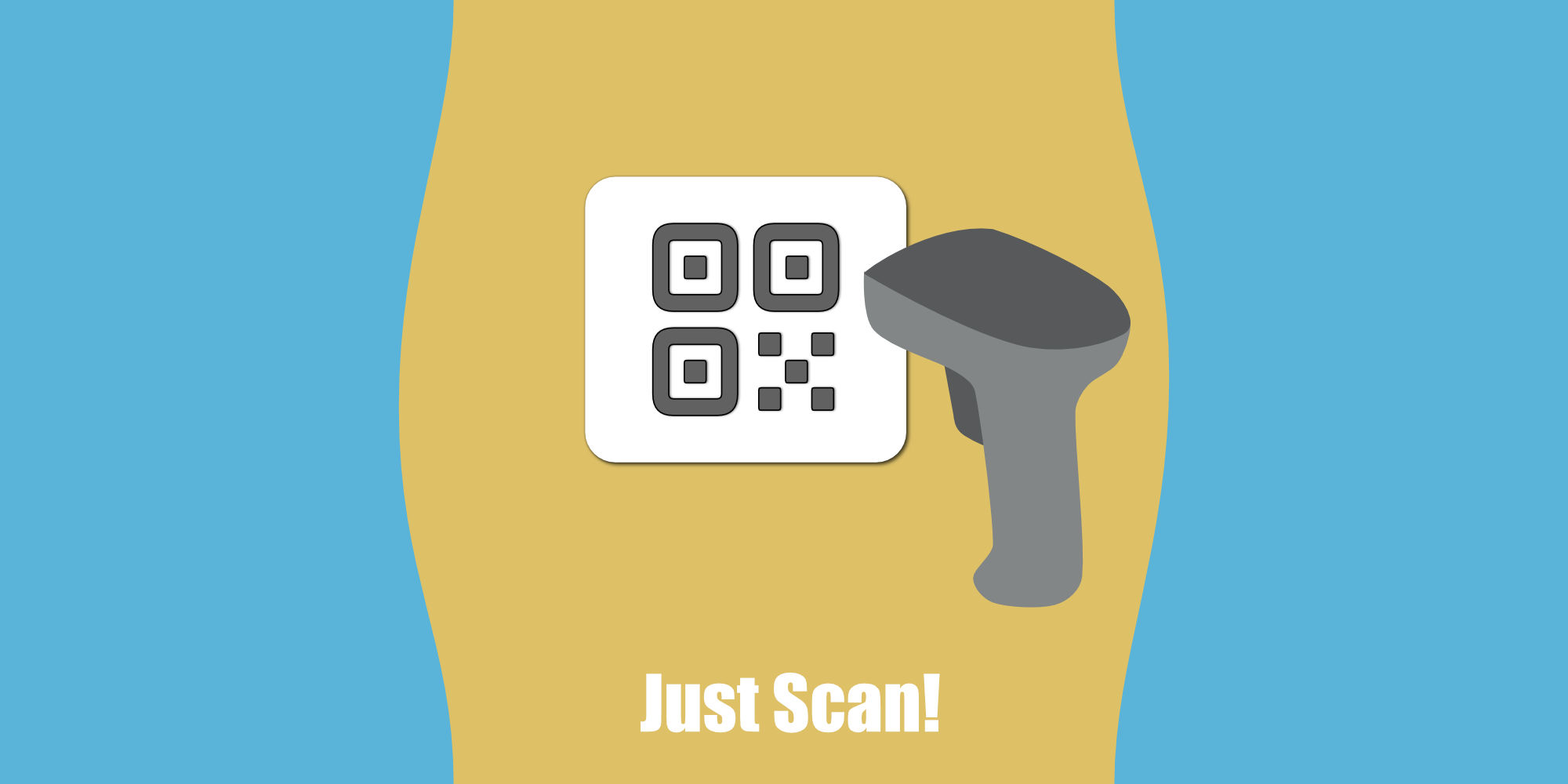
Just Scan
Scan UTF-8 QR codes to view your text instantly. No apps needed. For multi-language support and special symbols (smart quotes, dashes, etc.), swipe back and select 'International & Symbols'.
Smartphone Compatibility
Unlike conventional QR scanners that may have language restrictions, modern smartphones commonly support UTF-8 QR codes and can directly read multilingual text. You have the flexibility to select the best tool for your needs, whether it’s a dedicated scanner or a mobile device.
Versatile Multimedia Features
It’s more than just a secure link—your captured audio and Searchable PDFs can be shared via AirDrop or Messages, making INFOBRIDGE a versatile productivity tool in open environments.
Thoughtfully Designed for Admins
In high-security zones, administrators can enforce the 'QR-restricted output' policy via Setup QRs. This limits file sharing before device distribution and helps reduce leakage risk.
INFOBRIDGE Reader
An offline-ready Web Utility — open-source reader that works with no installation and no internet access. Just open it in any modern browser.
A single tool that automatically detects the transfer mode. Supports both standard Base64 and AES-256 Secret encryption with the same file.
↓ Download Latest Release (GitHub) View Source on GitHubBefore downloading or transferring this reader to a workstation, please consult your IT administrator or security officer to ensure compliance with your organization's data governance and removable media policies.
For System Administrators & IT Security Officers
We provide full transparency for security audits. The entire Reader operates as a single
JavaScript/HTML file locally on the browser. Core decode/decrypt processing does
not call external APIs and requires no traditional installation.
You can review the complete source code, installation guidelines, and technical
documentation directly on our GitHub Repository.
Get started in 3 steps
Prepare the Reader
Download the appropriate Reader HTML file and transfer it to the target PC following your IT policy.
Send Data from iPhone
Create a note or text in the INFOBRIDGE app and generate a QR code. Set a password if using Secure Mode.
Receive & Restore on PC
Open the Reader in a browser, scan the QR code with a scanner. In Secure Mode, enter the password to decrypt locally.
Built for demanding environments
| Healthcare & Care Facilities | Smooth staff coordination and work-log sharing in managed facility environments. Reliable information relay in network-restricted wards. |
| Secure Enterprise Zones | Text data relay between offline terminals and approved devices. Secure memo transfer in confidential project environments. |
| Technical Maintenance | Transfer procedure checklists and memos in RF-shielded or remote locations. Field records in electromagnetically restricted areas. |
Terms & Privacy
Loading Terms of Service...
Loading Privacy Policy...